
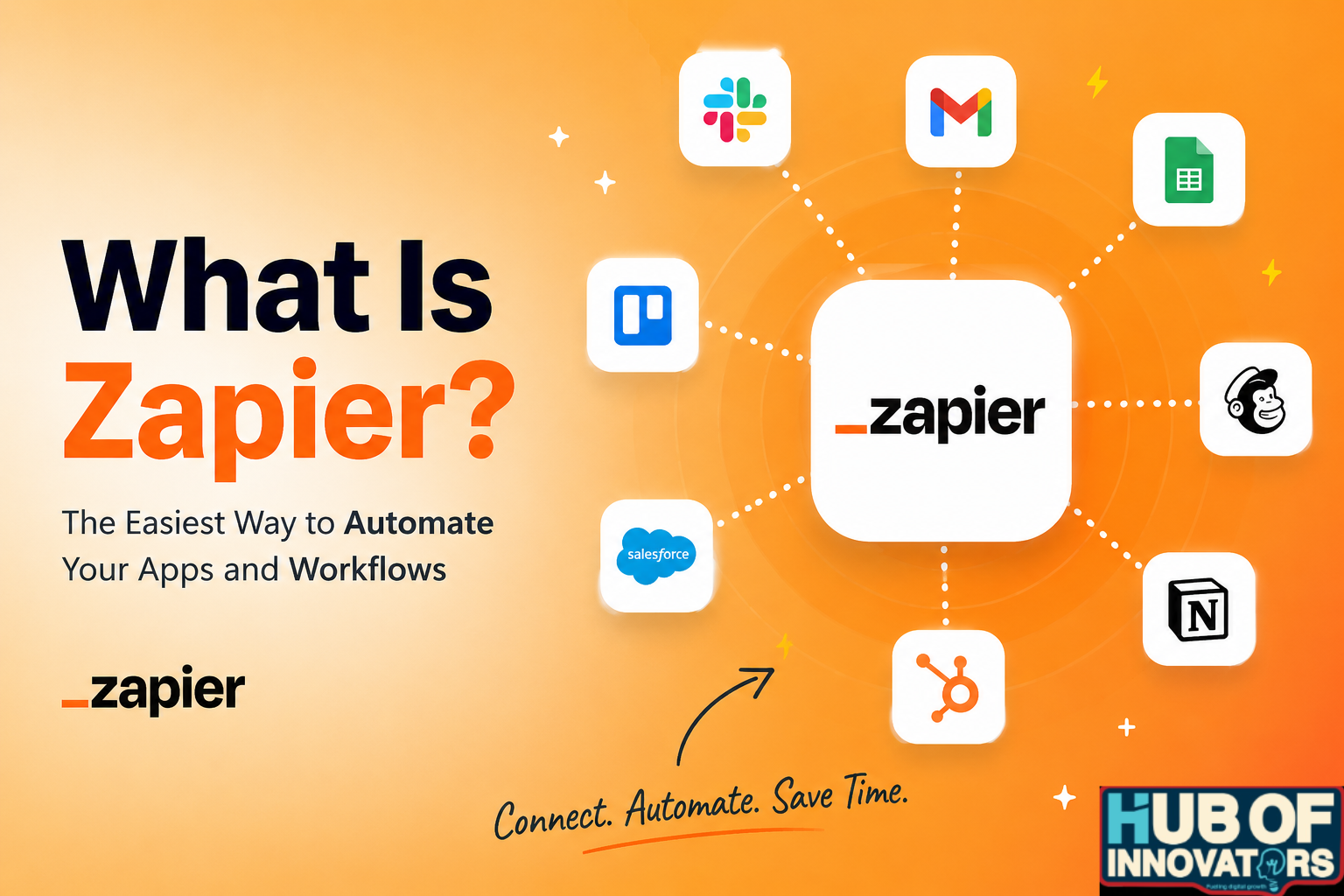
Zapier is built for a simple reason: if you’ve ever found yourself copying data from one app to another again and again, you already know how tiring that gets. It’s not difficult work, but it wastes time and breaks your focus. That’s exactly the kind of problem it’s meant to fix.
It’s an online tool that connects the apps you already use and lets them work together automatically. Instead of doing repetitive steps manually, you set up a simple system once, and it keeps running in the background.
Let’s get into it…
How It Actually Works
Zapier uses something called a Zap, which is just a small automated workflow.
Each Zap has two main parts:
- Trigger: something happens in one app
- Action: Zapier does something in another app
A simple example:
- You receive a new email in Gmail
- Zapier saves the attachment to Google Drive
You can also build more advanced workflows with multiple steps. For example:
- New order comes in
- Customer details get added to a spreadsheet
- A notification is sent to your team
All of this happens automatically once the Zap is turned on.
Why People Use Zapier
Most people don’t use Zapier for big, complex tasks. They use it to save time on small tasks that recur every day.
Instead of:
- Copying and pasting data
- Sending the same type of message
- Updating multiple tools manually
Zapier handles these steps for you.
Over time, this can save hours every week, especially if your work depends on using different apps together.
You will love this one: Canva Review Is It Worth It? Features Pros & Cons (Honest)
Common Use Cases
Here are some practical ways people use Zapier:
- Automatically save email attachments
- Add new leads to a Google Sheet
- Send alerts to Slack when something happens
- Create tasks in Trello from form submissions
- Share blog posts to social media
These are simple actions, but they add up when done daily.
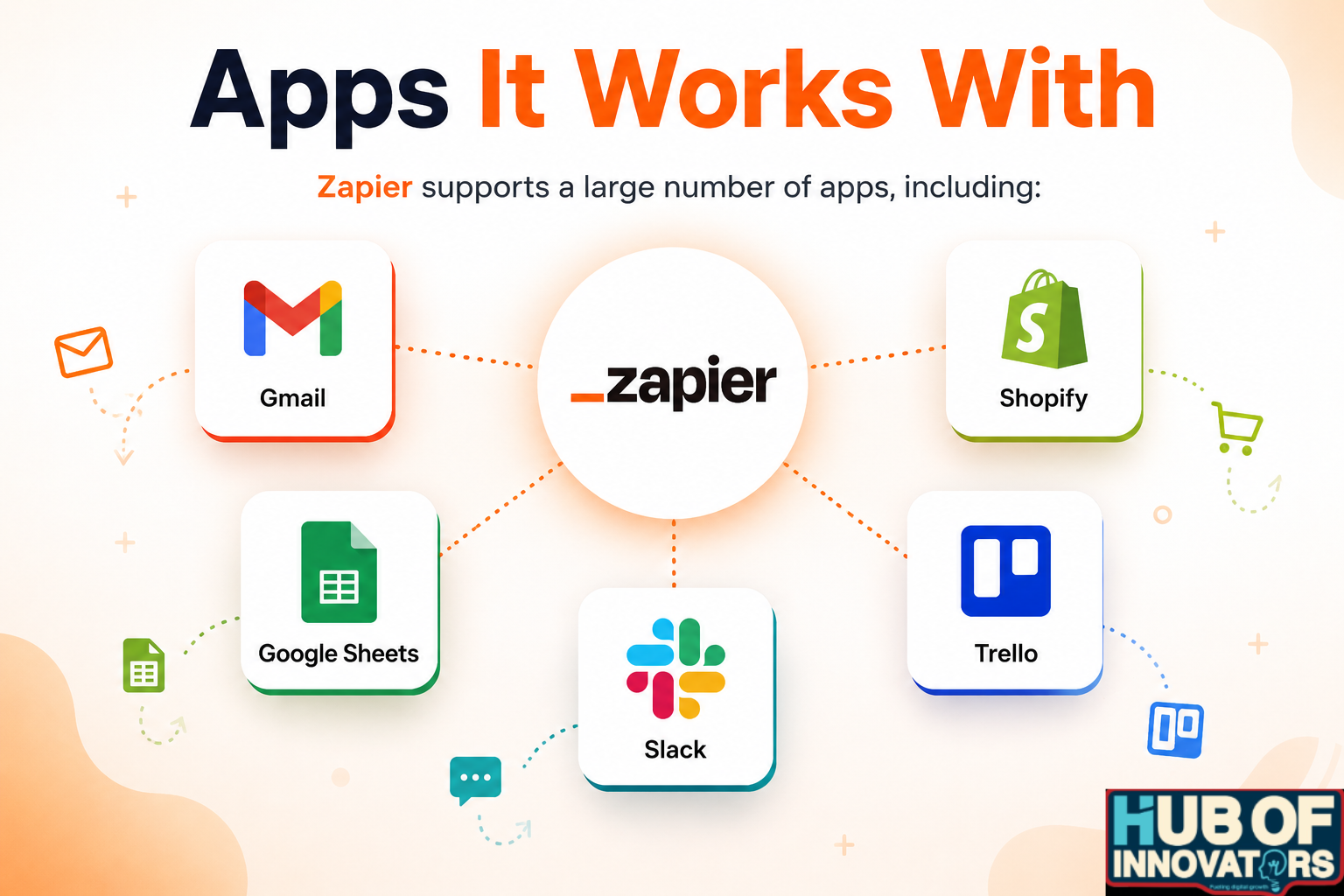
Apps It Works With
Zapier supports a large number of apps, including:
- Gmail
- Google Sheets
- Slack
- Shopify
- Trello
If you’re using well-known tools, there’s a good chance Zapier can connect them.
Limitations to Keep in Mind
Zapier isn’t perfect, and it’s not needed for everything.
- It depends on the apps you use (not everything is supported equally)
- Some automations may have delays depending on your plan
- Complex workflows can get confusing if you build too many
Also, if your work doesn’t involve repetitive tasks, you probably won’t get much value from it.
Q&A About Zapier
1. Is Zapier free?
Yes, Zapier does offer a free plan. It’s great if you want to set up simple automations or test the platform. The free tier comes with limited tasks and features, so if you start relying more heavily on automations or need advanced options, you’ll eventually need to upgrade to a paid plan.
2. Do I need coding skills to use Zapier?
Not at all. Zapier was specifically designed for people who don’t write code. Everything works through a clean, point-and-click interface where you choose triggers, actions, and apps from dropdown menus. If you can navigate a website, you can build a Zap.
3. What is a Zap in simple terms?
Think of a Zap as a small digital assistant. It connects two apps and tells them what to do when something specific happens. For example: “When I get a new lead in HubSpot, add them to a Google Sheet.” That’s a Zap, simple and automatic.
4. Can Zapier replace employees?
Not really. Zapier is great at doing repetitive, time-consuming digital tasks that people usually don’t enjoy, such as copying data, updating lists, sending notifications, etc. But it can’t replace human judgment, creativity, problem-solving, or communication. It’s more of a helpful extra pair of hands, not a substitute for a person.
5. Is Zapier safe to use?
Zapier is generally safe, reliable, and trusted by a lot of companies. Still, because it connects to your apps and data, it’s important to double-check the permissions you’re giving and only link apps you trust. Basic security awareness goes a long way.
6. What’s the biggest benefit of using Zapier?
Hands down: saving time. Zapier takes care of the small, boring tasks that pile up during the day so you can focus on work that actually needs your attention, strategy, creativity, clients, and everything that can’t be automated.
7. When should I NOT use Zapier?
You probably don’t need Zapier if:
- You don’t use many apps
- Your tasks aren’t repetitive
- You prefer handling things manually
- You don’t mind doing small admin tasks yourself
In those cases, Zapier might feel unnecessary or underused.
8.Is It Easy to Use?
Yes, for the most part.
You don’t need technical skills. The setup is step-by-step:
- Choose the app where the trigger happens
- Choose what action you want
- Test it
- Turn it on
After that, it runs automatically. Some advanced setups may take a bit more time,
So… Is Zapier Actually Worth Using?
Honestly, for most people, yes. If your day is filled with switching between apps, copying information from one place to another, or doing the same small tasks over and over, Zapier can feel like a breath of fresh air. It works especially well for solo founders, marketers, customer support teams, and anyone running a business with limited time or staff.
Does it solve everything? No. If your workflows are extremely technical or you need very custom, complex automations, you might eventually outgrow Zapier or need a developer’s help. But for the majority of day-to-day tasks, it makes your systems run smoother, faster, and with fewer mistakes.
My personal rating: 4.6/5 ⭐⭐⭐⭐✦
Try the free plan first; it’s enough to understand how much time you can actually save. If you find yourself thinking “Wow, this should’ve been automated ages ago,” then moving to a paid plan will unlock even more efficiency.