

Canva makes designing so much easier than most people expect. A lot of us open complicated design software, get overwhelmed, and give up, or end up paying someone just to make something simple. Even creating a quick social media post or a basic presentation can take forever when you’re not familiar with the tools.
But with Canva, the whole process feels simple. The editor is easy to figure out, and the templates give you a solid starting point so you’re not staring at a blank screen. You can put together posts, presentations, and all kinds of visuals without needing any design experience, and they still look clean and professional. In the long run, it saves so much time and stress and helps you get things done faster.
Shall we begin…
Why Canva Is So Easy to Use
Canva makes designing simple and accessible in several ways. It has a large collection of templates for social media posts, presentations, flyers, and business cards. You can easily change text, colors, and images to fit your needs, which means even someone with no design experience can create something that looks good.
It also includes AI tools that can speed up the process. You can generate a design from a short description, automatically remove backgrounds from images, or get suggestions for text and captions. These features help you get professional results without starting from scratch.
On top of that, Canva is very easy and fast to use. The editor works with drag-and-drop, letting you move elements, resize them, or swap images in seconds. Because it’s online and saves your work automatically, you can create polished graphics quickly and from anywhere.
Related article: AI for Graphic Design and The Best Tools and Everything You Want to Know in 2025
Pros and Cons of Using Canva
Pros
- You don’t need any design experience to create polished graphics
- The AI tools and templates save a lot of time
- It’s easy to use and works from anywhere since it’s cloud-based
- Affordable for individuals and small teams compared to hiring a designer
Cons
- Advanced design features are limited compared to professional software
- Some of the best templates and stock images are only available in the Pro version
- You need an internet connection to access it, so offline work isn’t possible
- Some templates can feel similar, which might make designs look less unique

Canva Pricing and Plans
Canva has several plans to choose from, depending on what you need and how often you use it:
Free Plan — $0 per month
- Access to thousands of templates for social media, presentations, flyers, and more
- Basic editing tools and features
- 3 million+ free photos, graphics, and elements
- 5 GB of cloud storage
- Some AI tools are included
This plan is great if you’re just getting started or only need simple designs.
Pro Plan — around $12.99 /month billed monthly or about $119.99 /year when billed annually
- Everything in the Free plan, plus premium features
- Unlimited access to premium templates and millions of stock photos and videos
- Background remover and advanced AI tools
- Brand Kit for colors, fonts, and logos
- 1 TB of cloud storage
This plan is ideal for individuals, freelancers, or small businesses that create graphics often and want more flexibility.
Canva for Teams — around $10 – $20 /month per user (varies by billing and region)
- Includes all Pro features
- Team collaboration and permissions
- Brand controls and workflow management
- Real-time editing and team reports
Best for agencies or teams that regularly work together on design projects.
Enterprise Plan — custom pricing (contact Canva for details)
This plan is for larger organizations that need advanced brand governance, single sign-on, and large-scale team management.
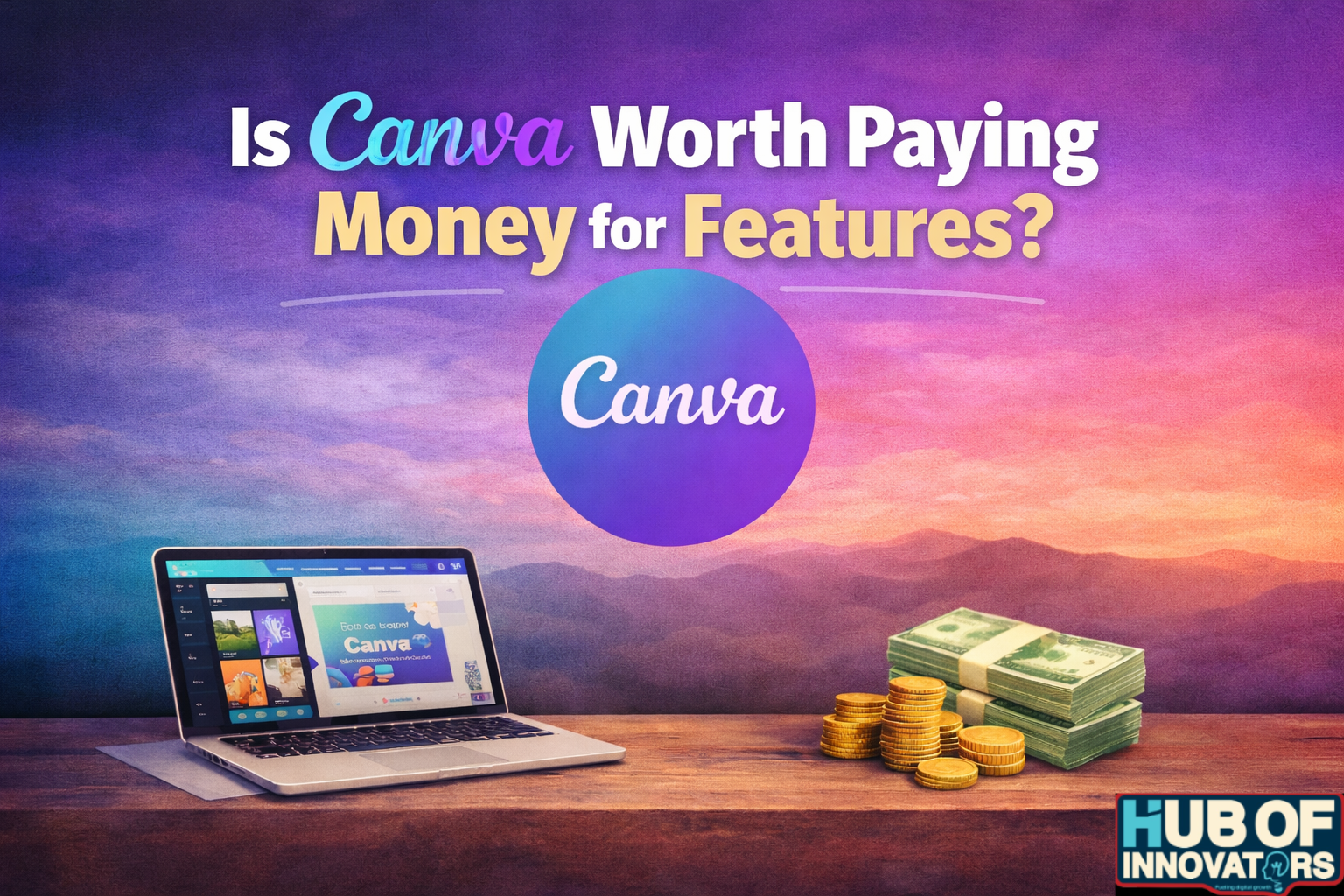
Is Canva Worth Paying for Features? — The Honest Truth
Canva is one of those tools you don’t realize you need until you start using it. The free version alone can cover a lot of your basic design needs: social media posts, simple presentations, posters, and quick edits. But the real question is: should you actually pay for Canva Pro?
Here’s the honest answer:
It depends on how much you create, how often you create it, and whether you value speed and convenience.
If you design regularly—even just for social media—Canva Pro genuinely makes life easier. The brand kit, background remover, premium templates, and huge library of stock images save hours. Instead of spending half your time searching for the right elements or resizing designs, everything becomes one-click simple.
But here’s the flip side:
If you only use Canva once in a while, or you don’t care much about design variety, the free version is probably enough. Some of the Pro templates do end up looking similar, and it’s not a replacement for professional tools like Adobe Photoshop or Illustrator if you need advanced control.
So, the real truth?
- Canva Pro is worth it if you create content often, want faster workflows, or need polished designs without hiring a designer.
- It’s not worth it if you only open Canva once a month, or if you prefer doing everything manually with professional software.
Why Canva Makes Life Easier
Super Simple Editor
Drag, drop, resize, change colors, swap images, it’s all intuitive. Even if you’ve never designed anything before, you’ll figure it out in minutes.
Templates for Everything
From social media posts to business cards to presentations, Canva has thousands of templates. You rarely need to start with a blank page, which means less stress and less time wasted.
Smart AI Tools
Canva isn’t just templates; it has AI features that feel like magic. You can generate a design from a short description, remove backgrounds from images in seconds, or get text and caption suggestions. For someone who wants results fast, it’s a game-changer.
Work From Anywhere
Canva is cloud-based, so you can work from your laptop, tablet, or even phone. Your work saves automatically, and collaborating with teammates is effortless.
So, Is It Worth It?
For most people, absolutely. Canva is perfect if you want good-looking designs fast, without hours of frustration. It’s great for small business owners, solopreneurs, content creators, social media managers, students, basically anyone who needs to make something that looks professional without being a pro.
It’s not perfect; if you need highly advanced design capabilities, professional software might be better. But for everyday needs, Canva saves time, reduces stress, and actually makes designing fun.
My rating: 4.5/5 ⭐⭐⭐⭐½
Start with the free plan, and once you’re comfortable, the Pro or Team plan will take your designs to the next level.